
Register now for instant access to an exclusive collection of Free Fonts, Graphics, and Photos.

Dynamic Photo Enhancer
Products, E8530 Dynamic Photo Enhancer
$9.00
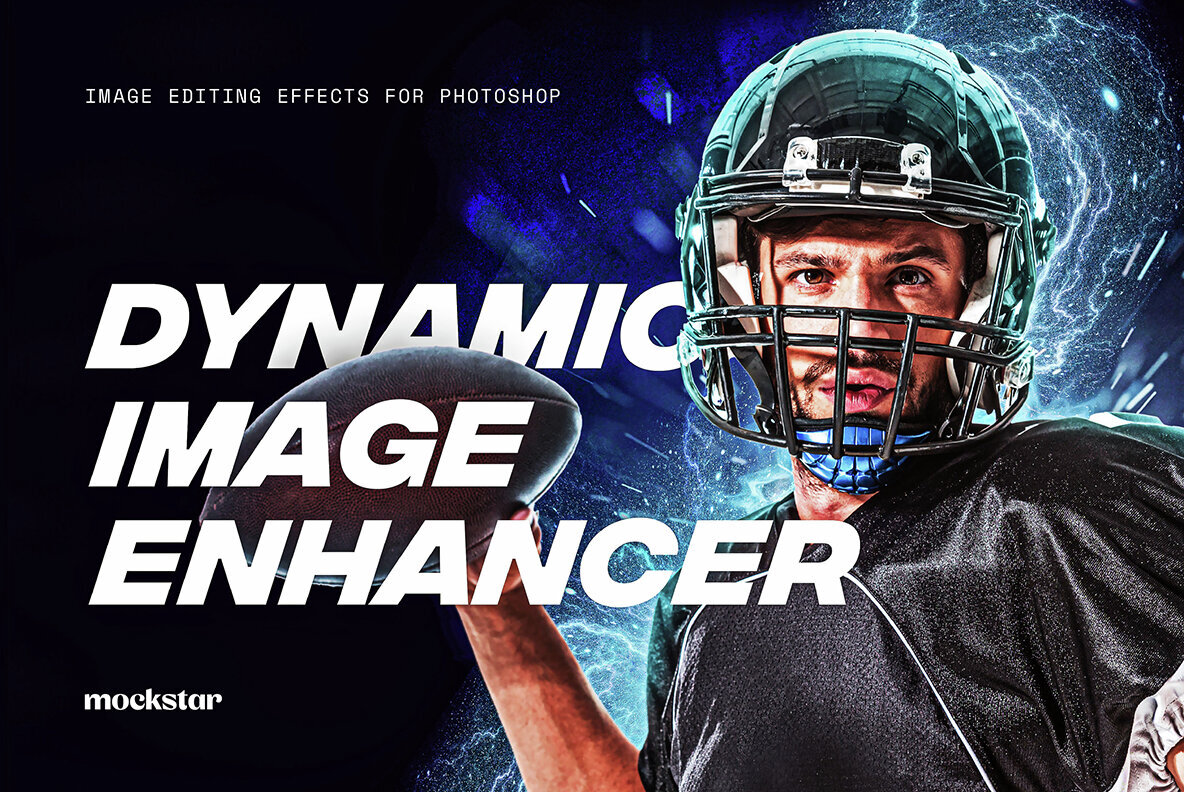
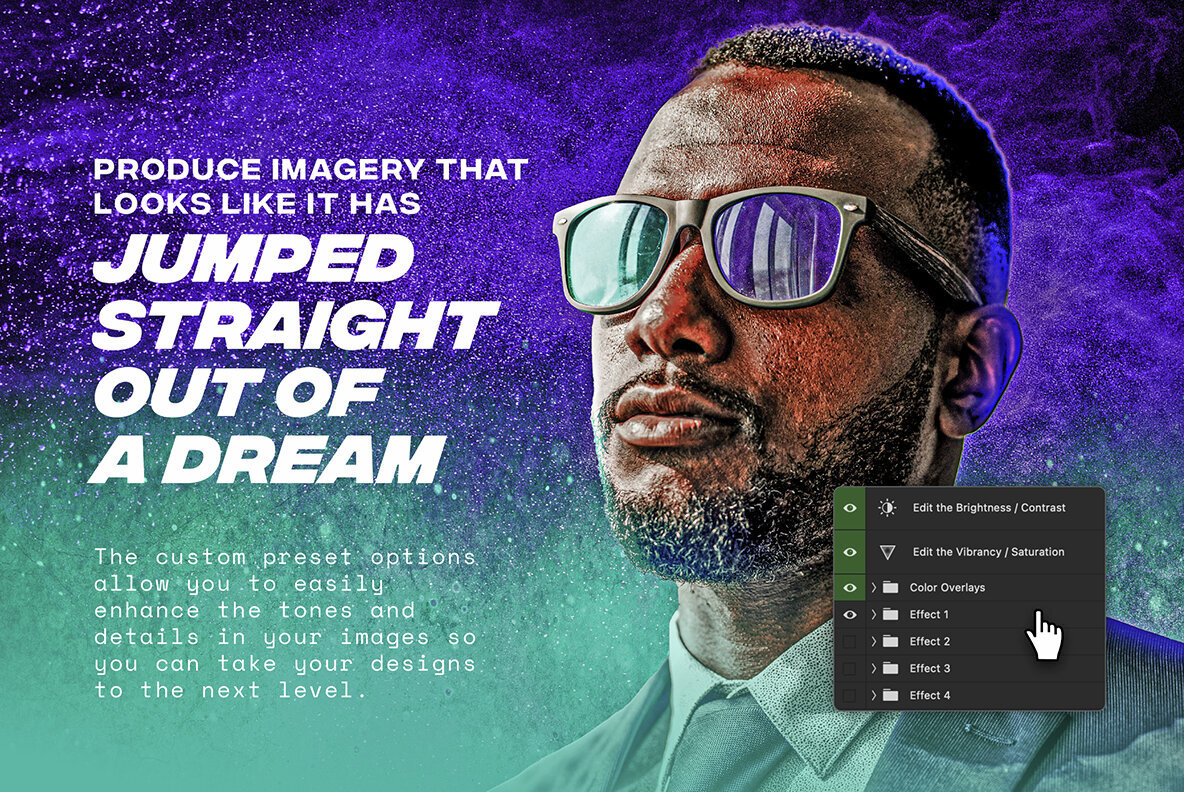
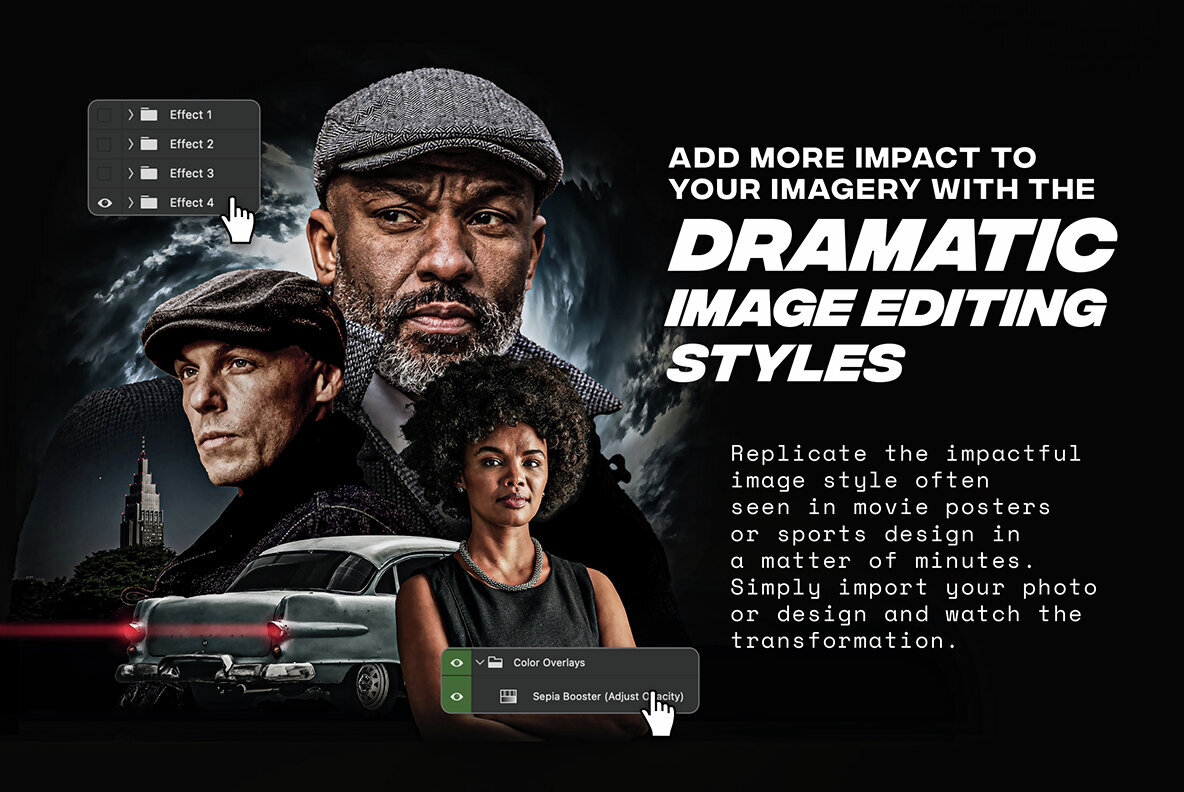
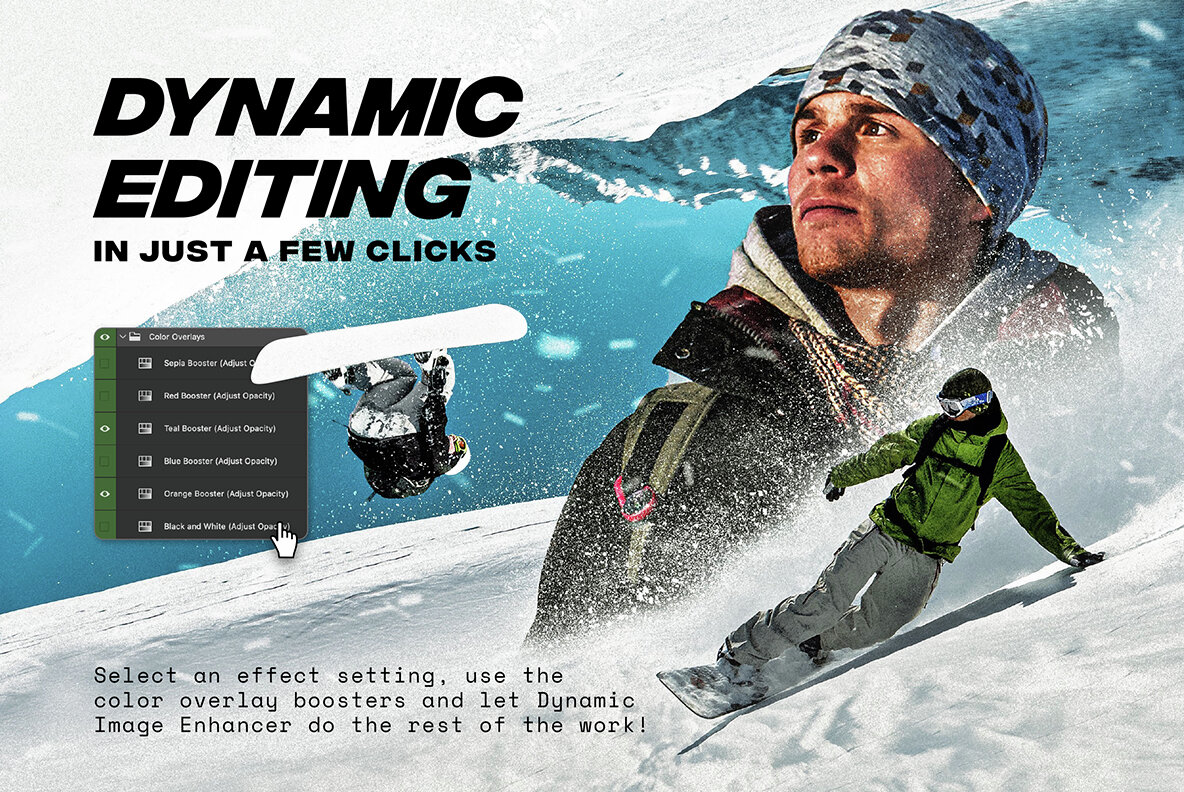
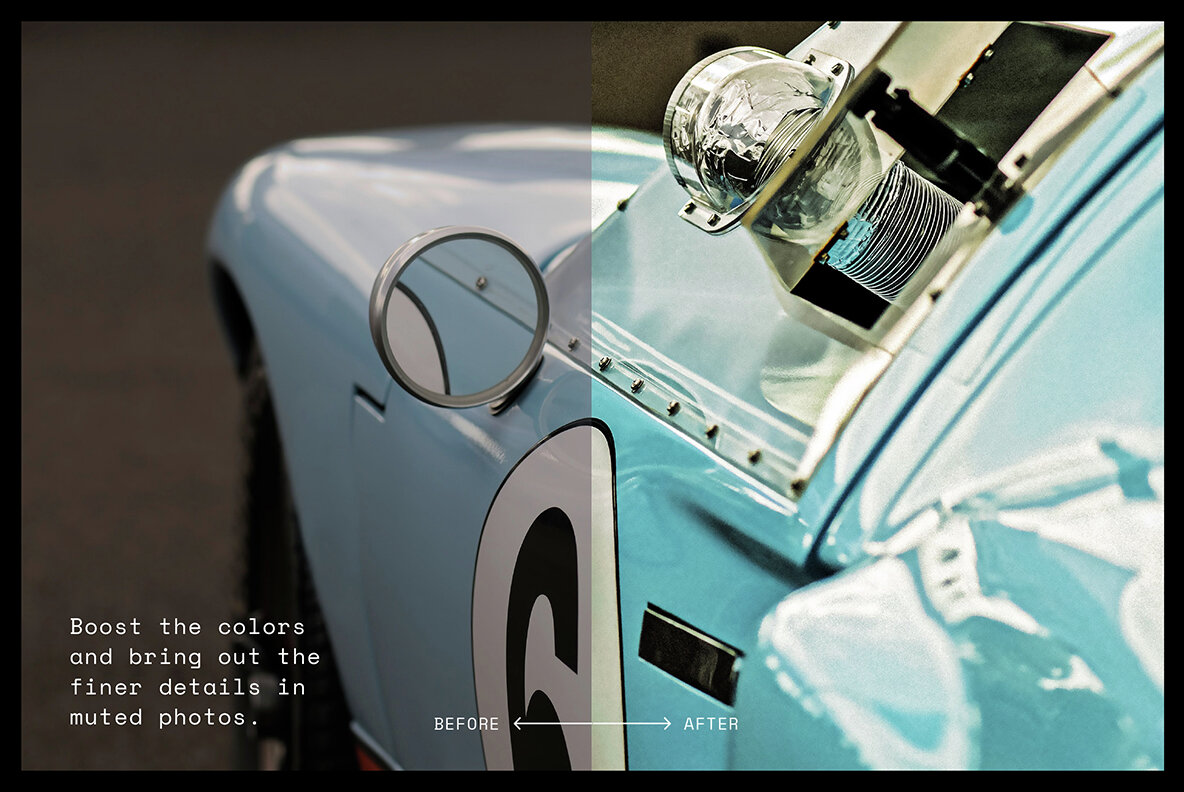
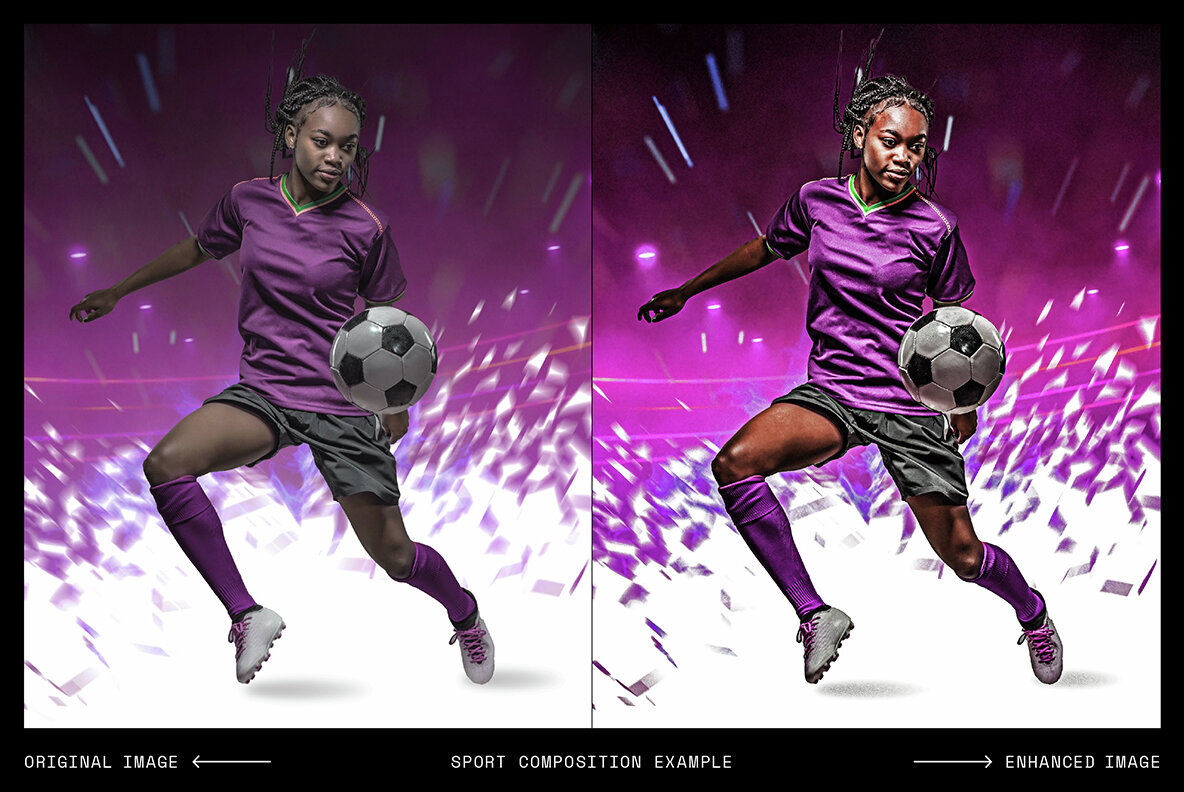

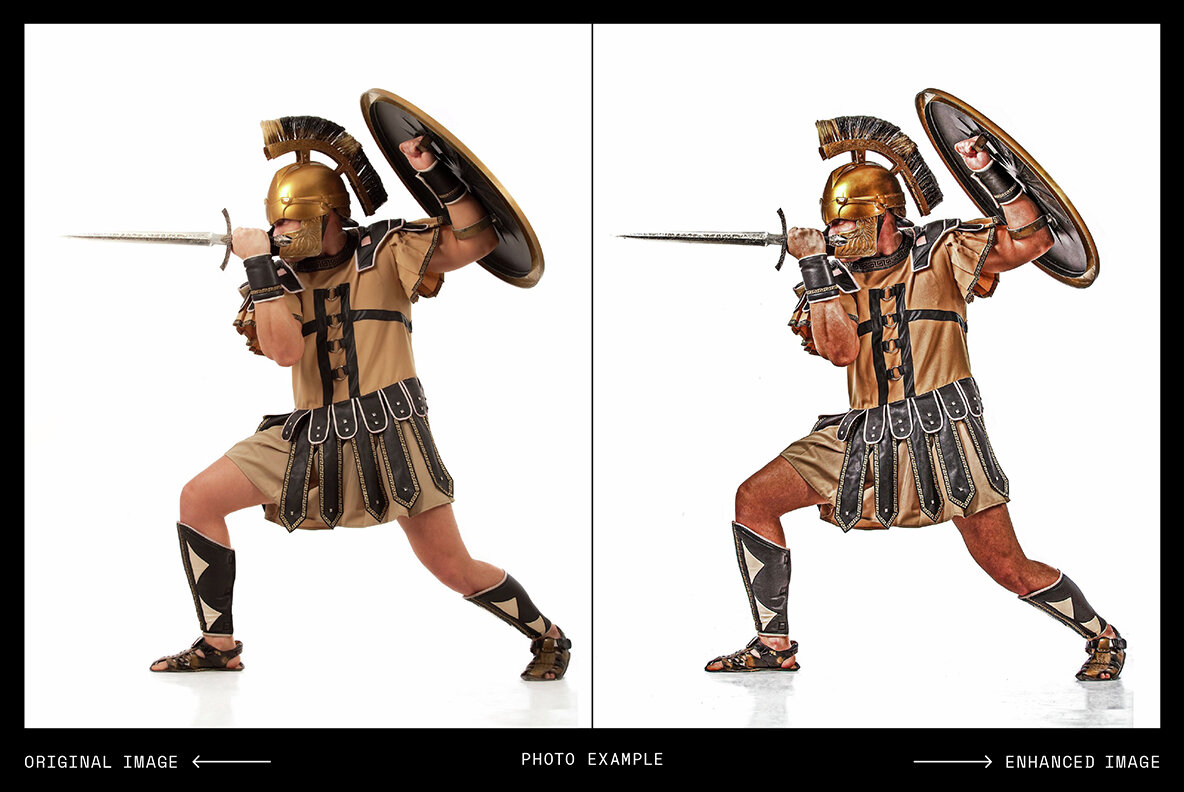
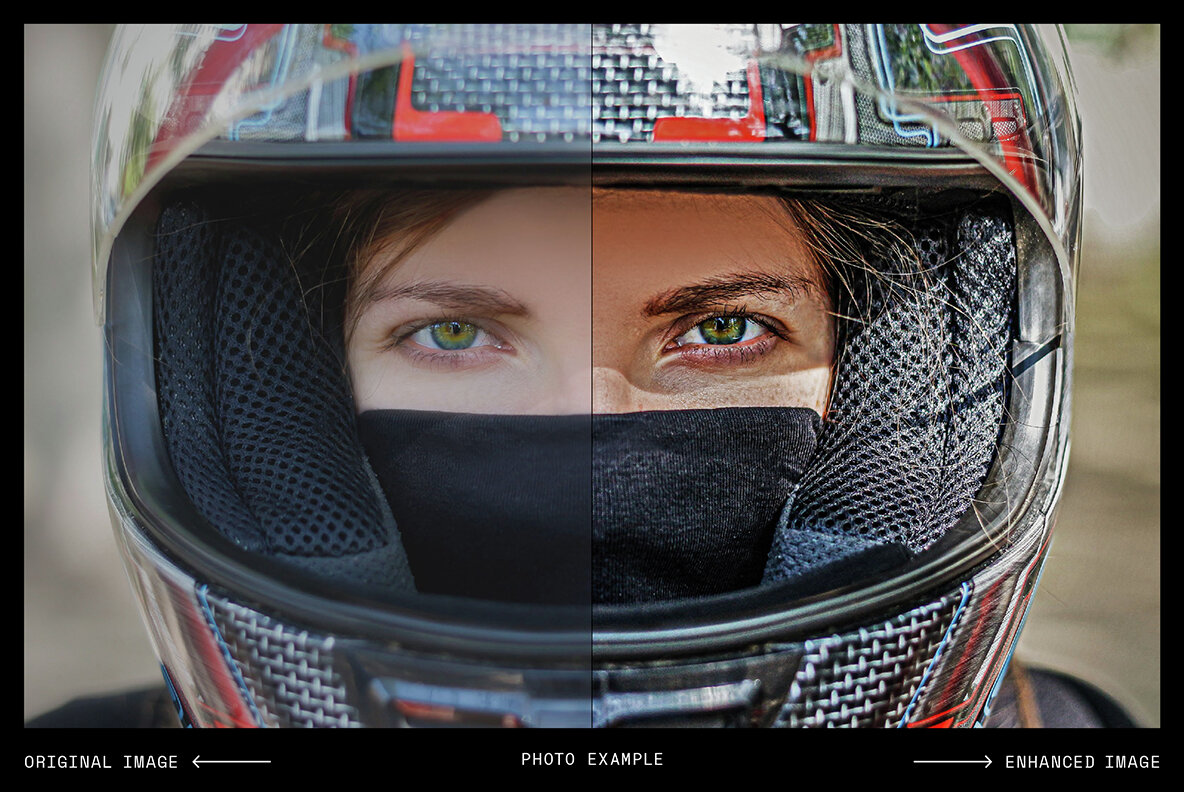
The Dynamic Photo Enhancer boosts the dynamic range of colors and tones in your photos to provide powerful and striking images. This is an effect commonly used in promotional design for sport or movies. Simply import your image in to the smart object, choose from three effect settings and use the six color overlay presets to get the right tones. This is a great time-saving tool for editing and processing masked (clear-cut) images of people or objects that you want to add to separately designed Photoshop layouts. It also works best with high-quality images with low noise or pixelation. This is because it will bring out finer details and highlights within your images. This enhancing effect works much like a Photoshop action, but gives you greater control with the ability to adjust easily the brightness and contrast, vibrance and saturation. FEATURES • 3 effect settings • 6 color overlays • Fully named and organized layers • Ability to fine tune the image easily using the brightness, contrast, vibrance and saturation sliders. • PDF user guide with visual instructions • A quick video demonstration showing how to use the file SPECIFICATIONS • High resolution template 5000 x 5000px (16.6x16.6inches / 42x42cm) at 300DPI • Adobe Photoshop psd files with smart object placement • 300dpi • File Size: 381 mb
File Format: Adobe Photoshop
Additional software details might be listed above, but please make sure you have the correct software that can support these file formats before purchasing.
If you're planning on using the product for any large volume, video games, commercial or broadcast use, you may need to purchase a license extension. Contact us anytime for questions or quotes—we’re here 24/7 ready to help.
Mockstar Studio is a small, design-focused team producing premium mockups and digital tools tailored for modern creatives. Their collection blends clean presentation with tactile realism—ideal for showcasing branding, packaging, or editorial work with polish and character. Every product is built with usability...
Follow
Motion Glow Photo EffectYouworkforthemE12436Motion Glow Photo Effect is a Photoshop Extras design published by Pixelbuddha.
Exhaustive Photoshop Effects BundleYouworkforthemE9919Exhaustive Photoshop Effects Bundle is a Photoshop Extras design published by Pixelbuddha.
Cinematic Film Photo EffectYouworkforthemE11863Cinematic Film Photo Effect is a Photoshop Extras design published by Pixelbuddha.
Light Leak Flare Photo EffectYouworkforthemE12491Light Leak Flare Photo Effect is a Photoshop Extras design published by Pixelbuddha.
Cinematic Glow Photo EffectYouworkforthemE12391Cinematic Glow Photo Effect is a Photoshop Extras design published by Pixelbuddha.
30 Realistic Cloud OverlaysYouworkforthemE1178630 Realistic Cloud Overlays is a Texture Graphics design published by Nassy Art.
Monochrome Lightroom PresetsYouworkforthemE12547Monochrome Lightroom Presets is a Adobe Lightroom Presets Extras design published by Presetrain Co..
Copier Texture Photo EffectYouworkforthemE7917Copier Texture Photo Effect is a Texture Graphics design published by Pixelbuddha.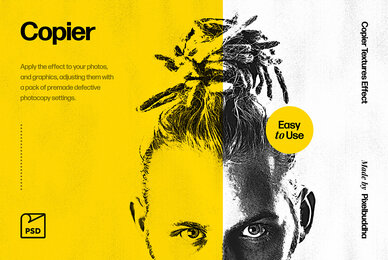
Dramatic Photo EffectYouworkforthemE12432Dramatic Photo Effect is a Photoshop Extras design published by Pixelbuddha.
QuickTone - Subtle Photoshop ActionsYouworkforthemE2646QuickTone - Subtle Photoshop Actions is a Photoshop Extras design published by Filter Grade.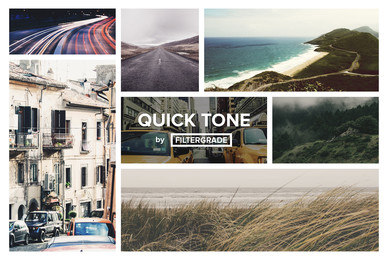
MaskerYouworkforthemE4108Masker is a Mockup Graphics design published by Hello Mart.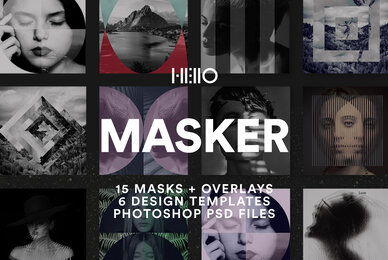
Photo Retouch Series Photoshop ActionsYouworkforthemE2643Photo Retouch Series Photoshop Actions is a Photoshop Extras design published by Filter Grade.