

Register now for instant access to an exclusive collection of Free Fonts, Graphics, and Photos.

Abstract Linocut Mega Bundle Graphics
Graphics Products, E6408 Abstract Linocut Mega Bundle
$56.00
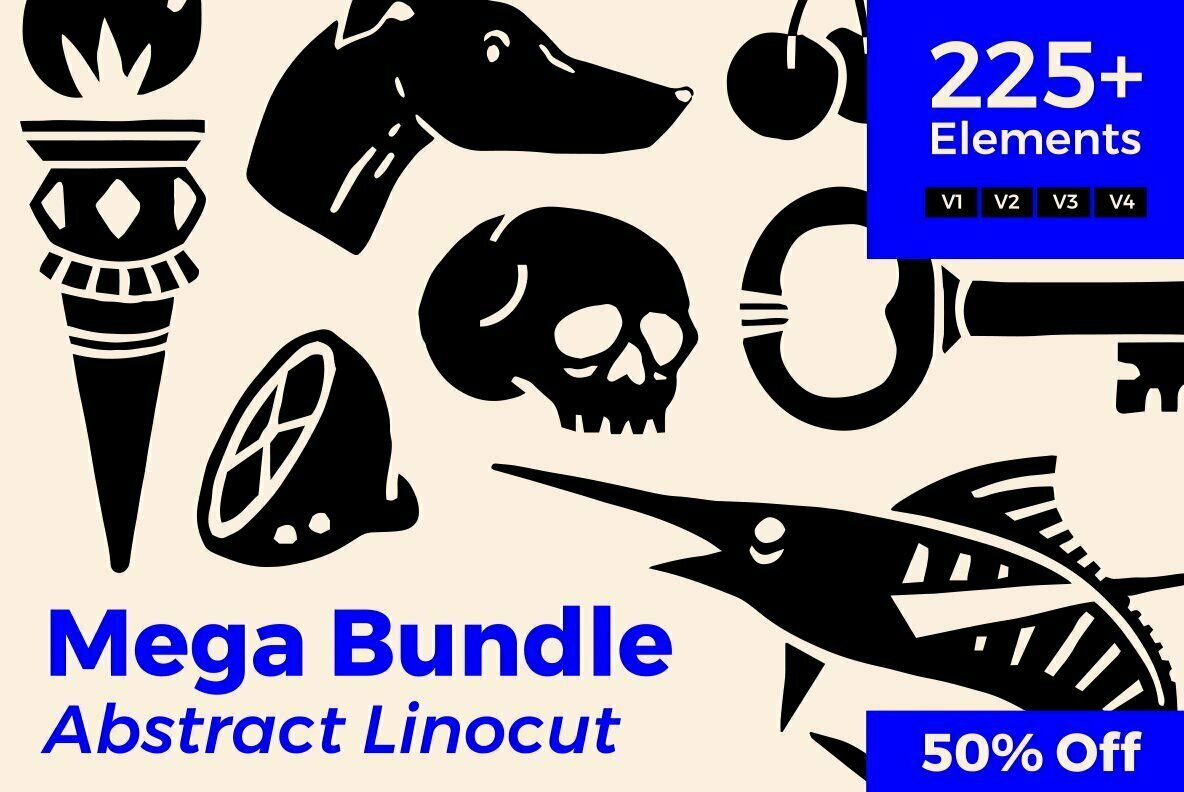
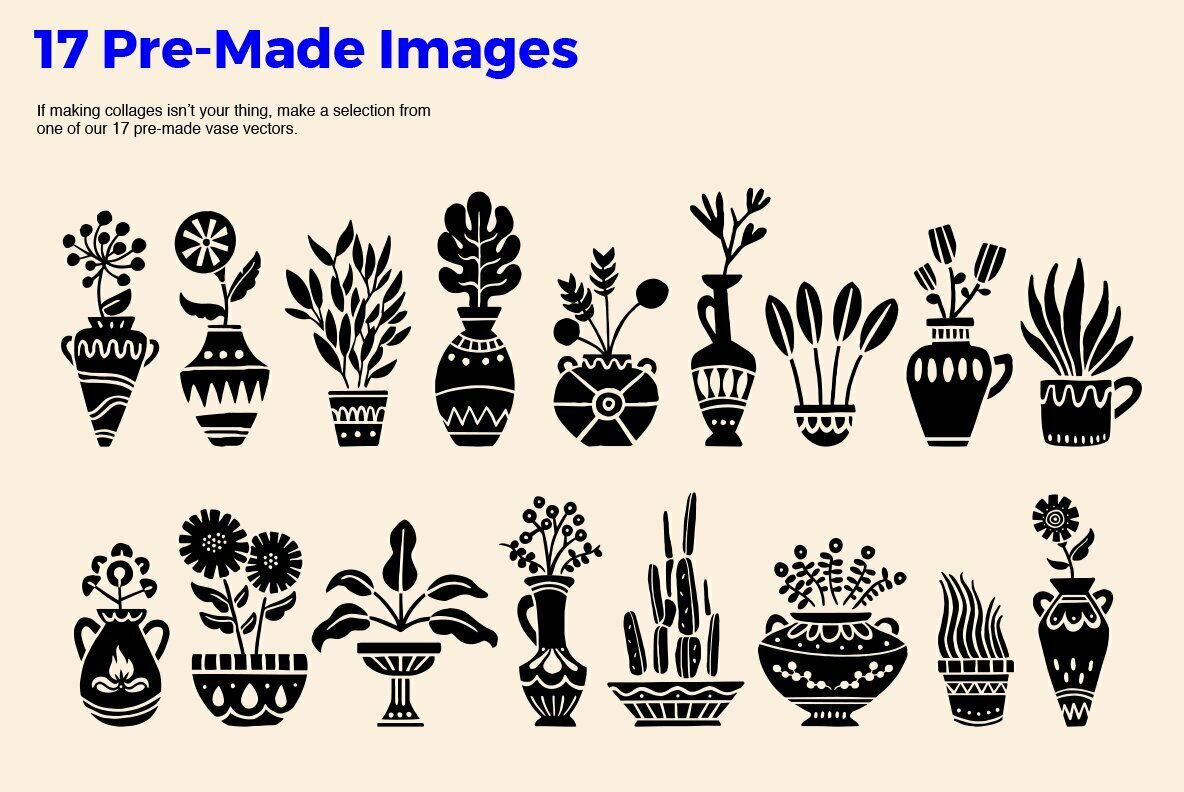
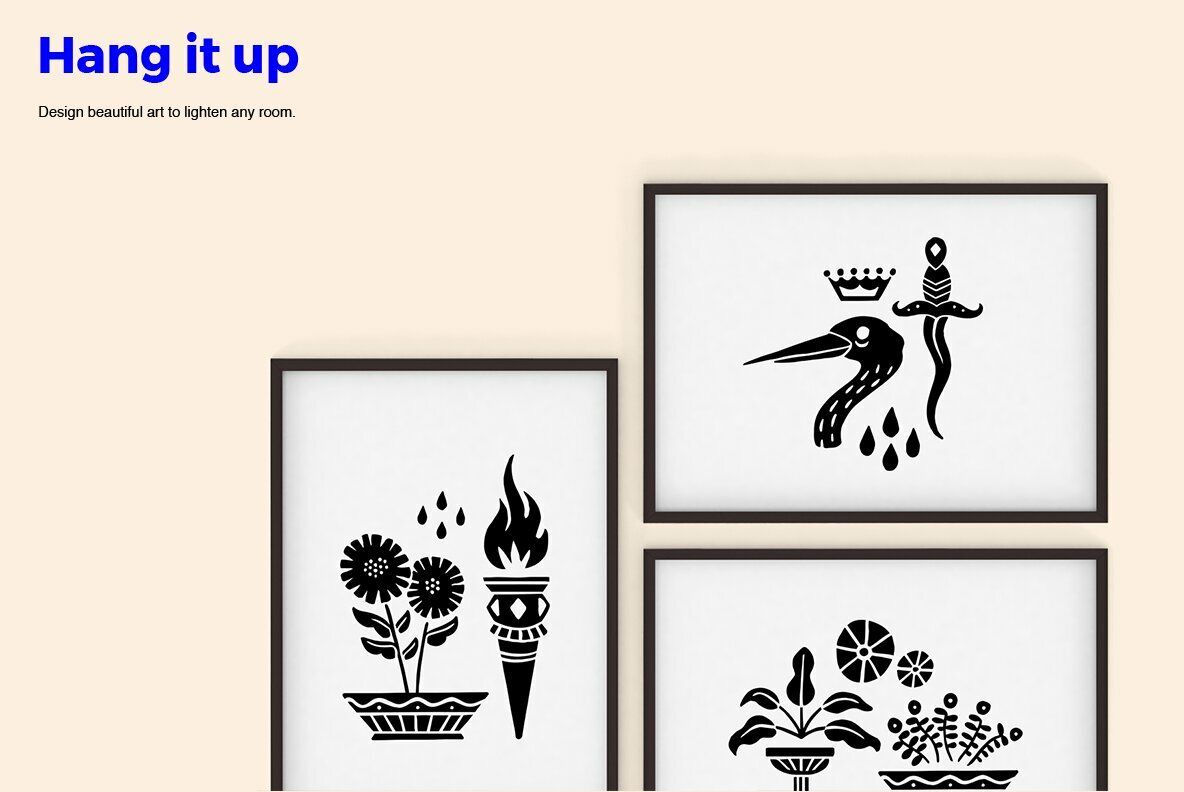
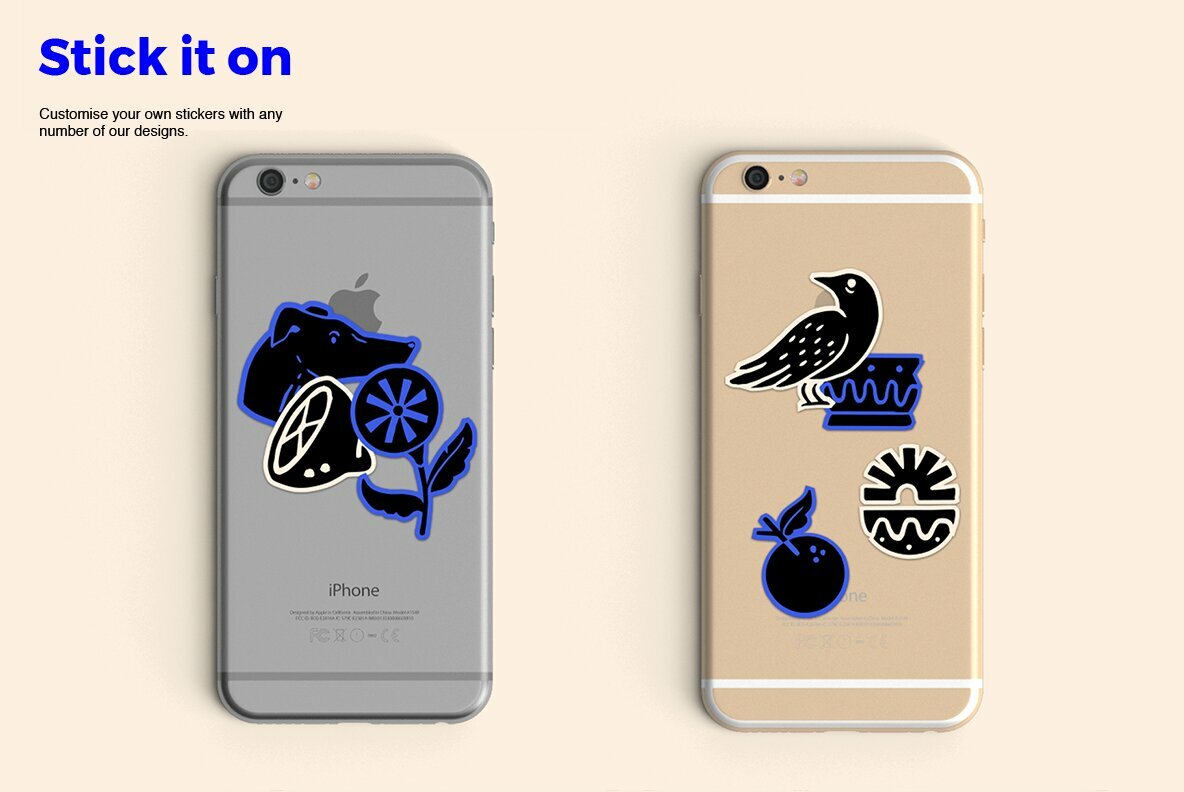
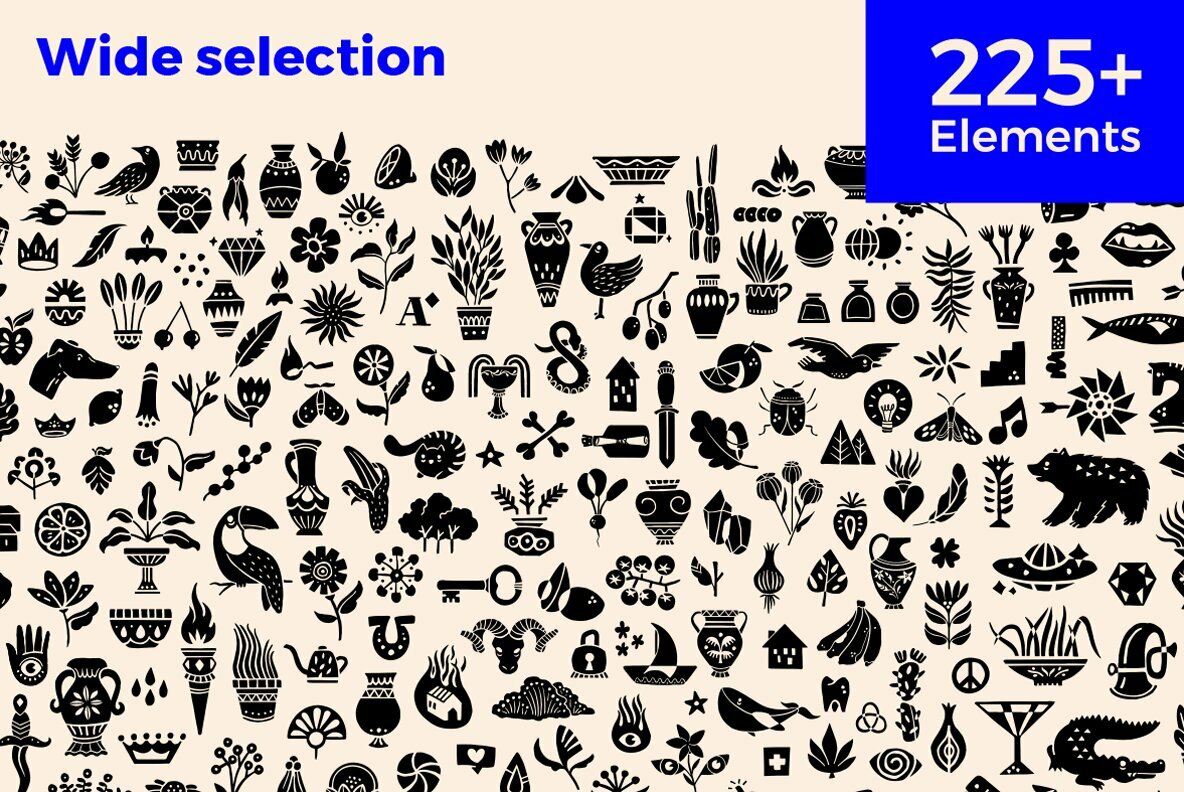
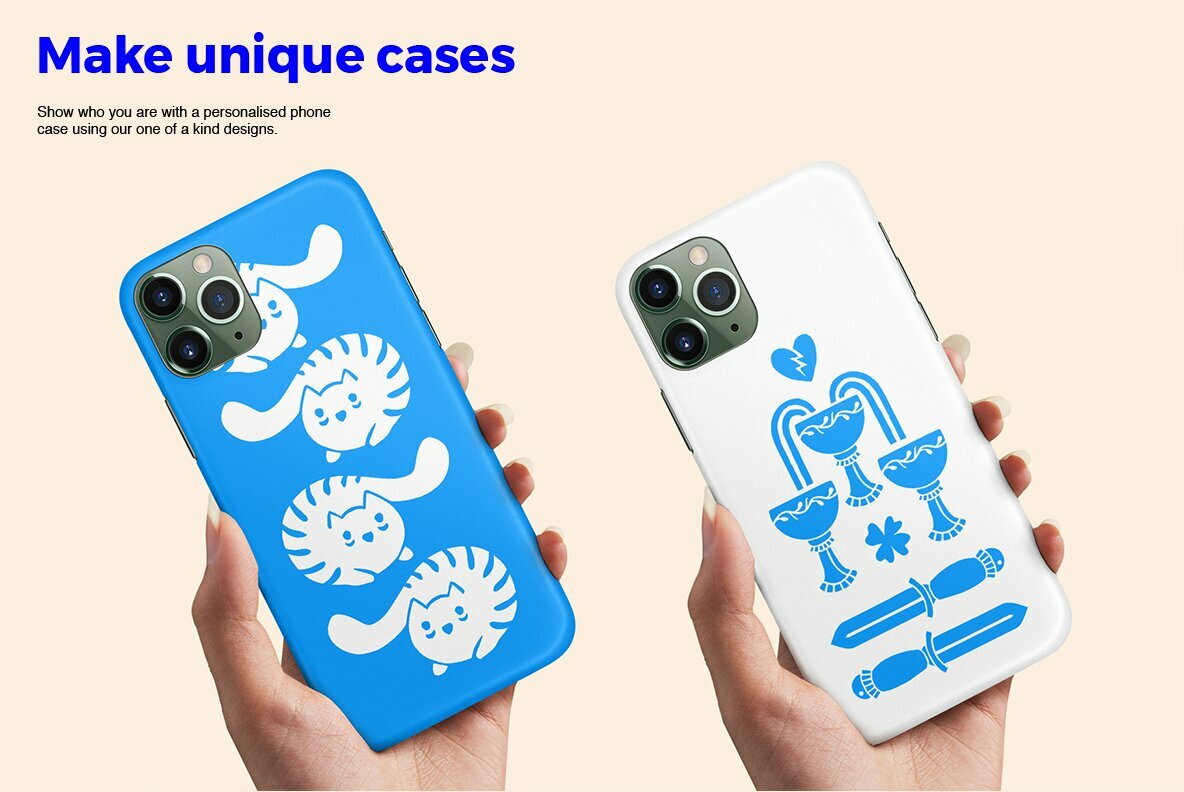
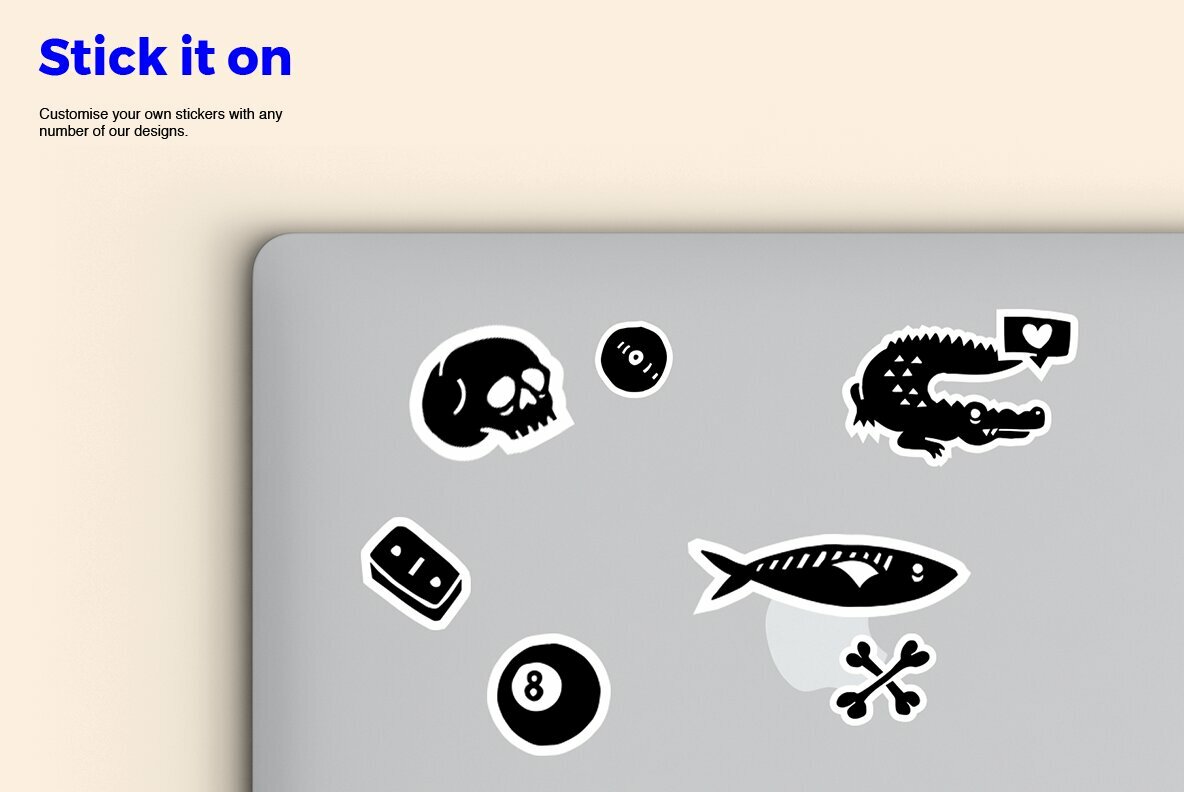
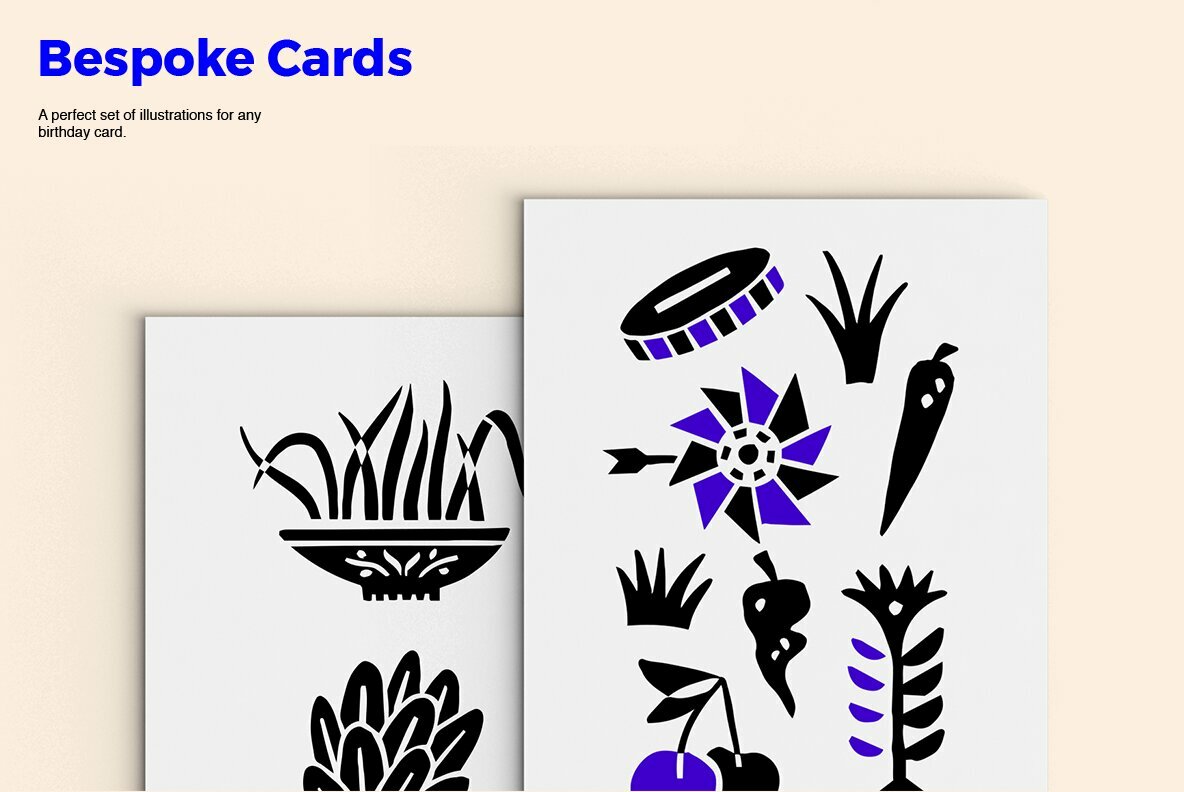
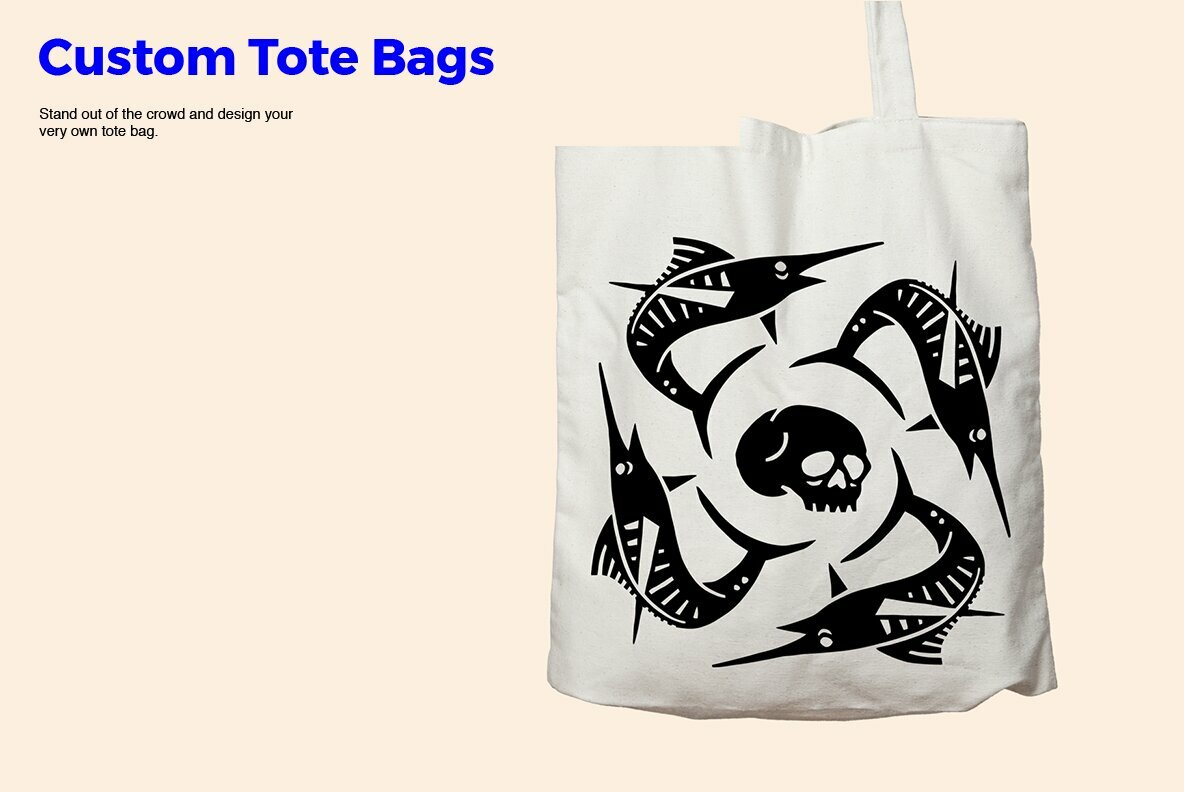
Are you looking for a new logo? Do you want to streamline your design process? Or do you want to create unique personal products?
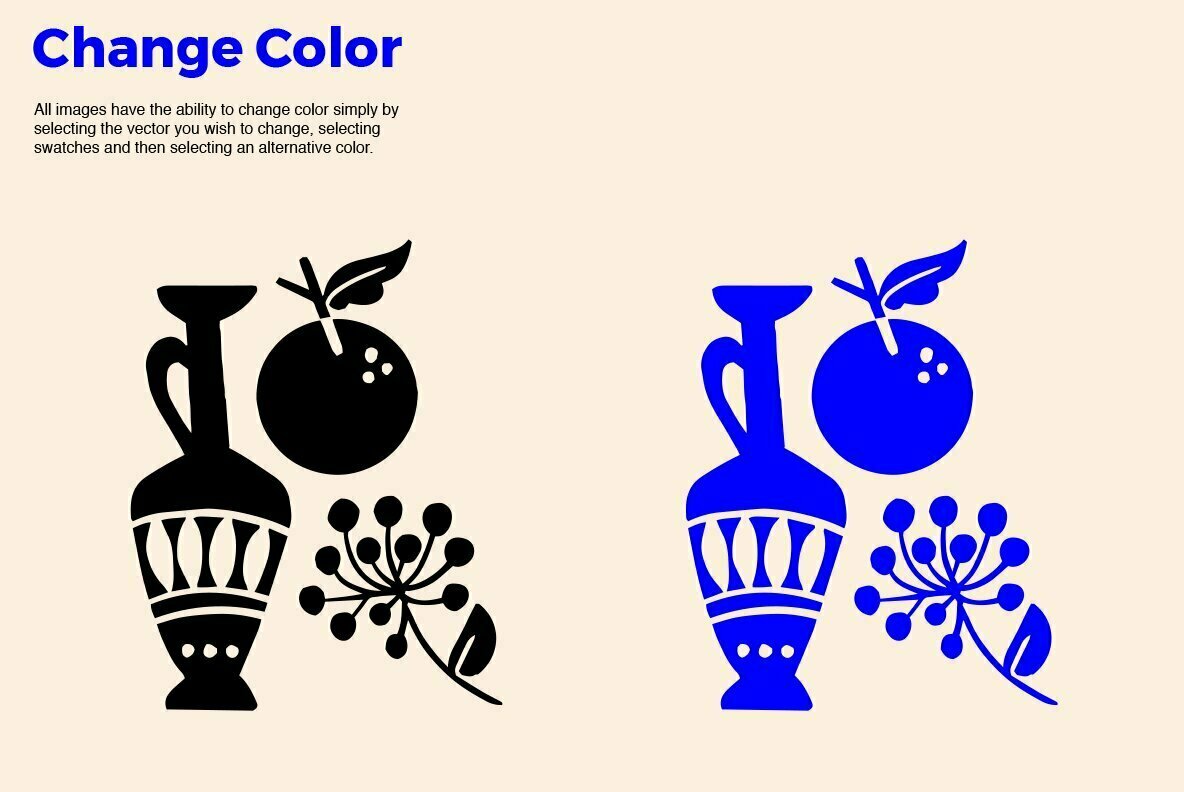
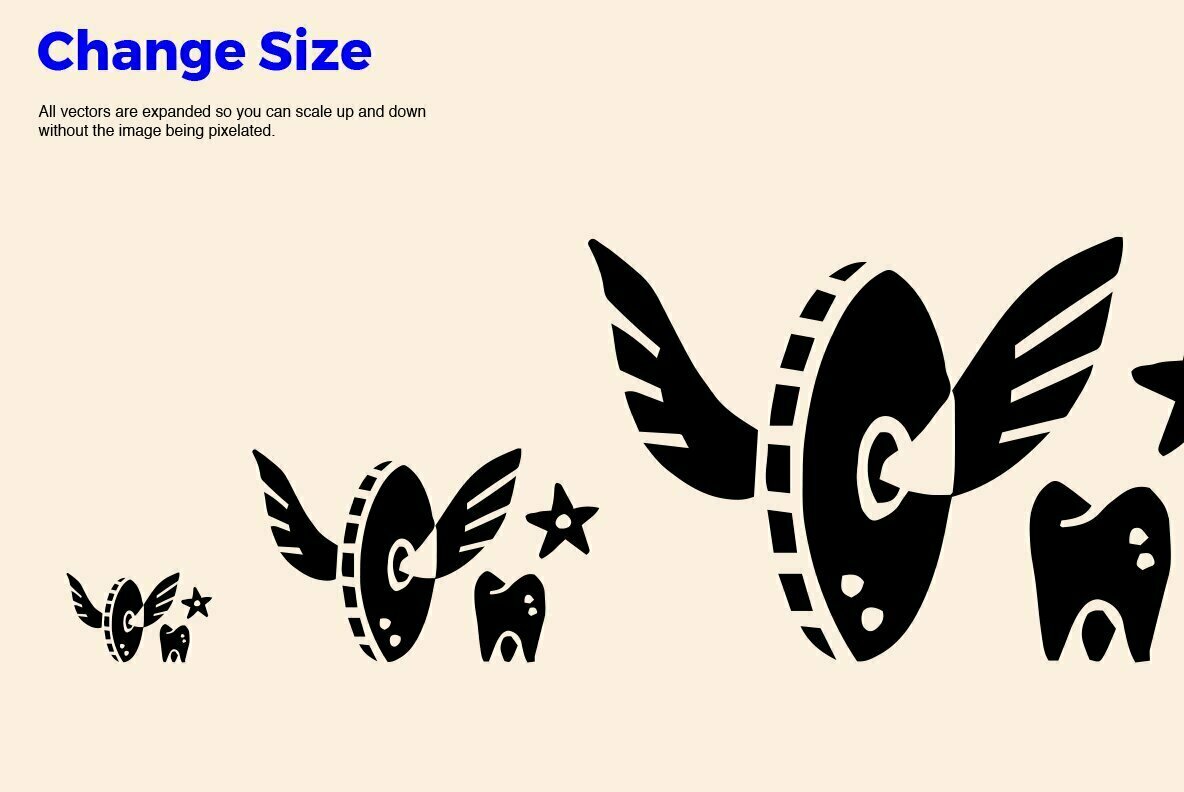
Check out our latest Abstract Linocut MEGA BUNDLE that you can quickly and easily edit to suit your individual needs.
Uses • Clothing prints • Posters • Postcards • Logos • Branding • Scrapbooking • Stickers • Collages • Tattoos • Social media posts • Stories highlight icons • Apps
What’s Included:
- 225+ individual elements (Ai, EPS, JPG, PNG)
- Over 17 Pre-Made designs (Ai, EPS, JPG, PNG)
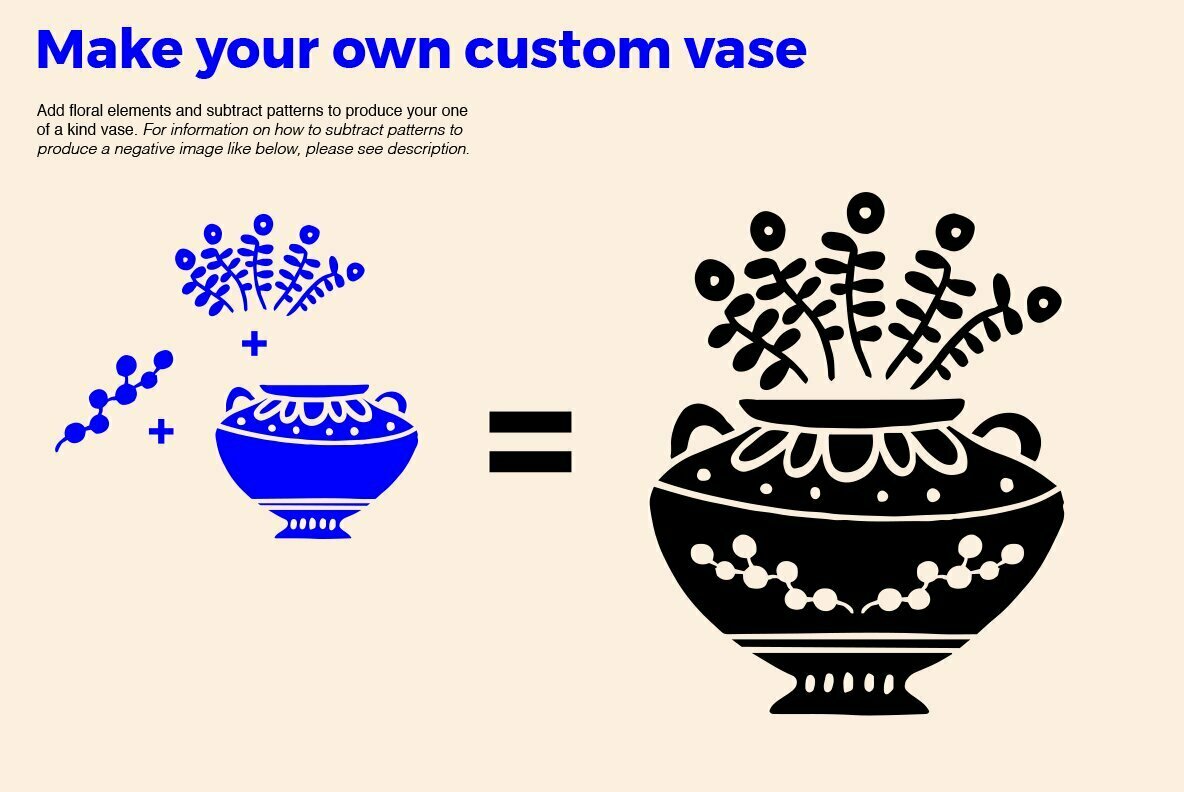
How to subtract patterns:
1. Create several overlapping shapes.
2. Select the shapes that you want to combine.
3. Select the Shape Builder tool and then click and drag across the selected shapes to merge the selected objects together.
4. Hold down the Alt (Windows) or Option (Mac) key and click and drag across the newly added shape to subtract the objects.
File Formats: Adobe Illustrator, EPS, JPEG and PNG
Files Included: 225Additional software details might be listed above, but please make sure you have the correct software that can support these file formats before purchasing.
If you're planning on using the product for any large volume, video games, commercial or broadcast use, you may need to purchase a license extension. Contact us anytime for questions or quotes—we’re here 24/7 ready to help.
Clayton Facchini’s illustration work thrives on clarity, contrast, and bold repetition. His collections combine linocut-inspired aesthetics with modern digital flexibility, offering an extensive array of vector graphics that are immediately recognizable by their organic silhouettes and sharp compositional rhyt...
Follow
Abstract Scribble Clipart BundleYouworkforthemE12241Abstract Scribble Clipart Bundle is a Abstract Graphics design published by Clayton Facchini.
Linocut LogosYouworkforthemE11993Linocut Logos is a Logo Graphics design published by Clayton Facchini.
Shape Pack v002131YouworkforthemE12278Shape Pack v002131 is a Abstract Graphics design published by Hainz Studio.
9 in 1 Illustrator Brushes BundleYouworkforthemE114279 in 1 Illustrator Brushes Bundle is a Brushes Extras design published by Pixelbuddha.
Dried LeavesYouworkforthemE2580Dried Leaves is a Nature Graphics design published by Artistofdesign.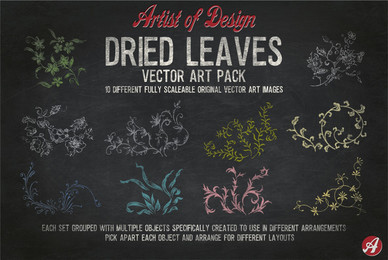
Abstract Floral Clipart BundleYouworkforthemE12062Abstract Floral Clipart Bundle is a Nature Graphics design published by Clayton Facchini.
Abstract Art CutoutsYouworkforthemE6932Abstract Art Cutouts is a Abstract Graphics design published by Mii Lab.
Botanical Linocut Bundle 3YouworkforthemE12057Botanical Linocut Bundle 3 is a Flourish Graphics design published by Clayton Facchini.
4x Mega Bundle Line IconsYouworkforthemE66084x Mega Bundle Line Icons is a Icon Graphics design published by Made X Made.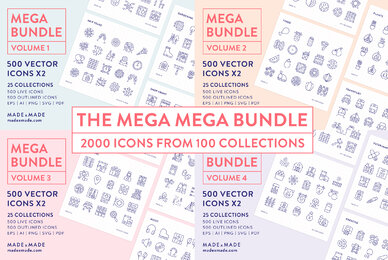
Website Illustration PackageYouworkforthemE6386Website Illustration Package is a Illustration Graphics design published by Clayton Facchini.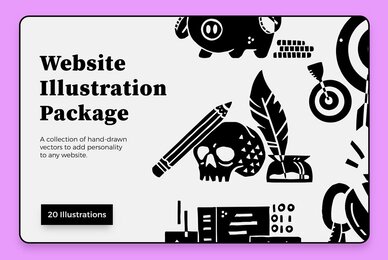
Cut out shapesYouworkforthemE11392Cut out shapes is a Abstract Graphics design published by Walrus Darya.
Abstract Tattoo Clipart BundleYouworkforthemE12242Abstract Tattoo Clipart Bundle is a Illustration Graphics design published by Clayton Facchini.
